

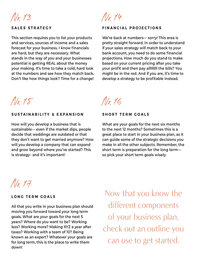

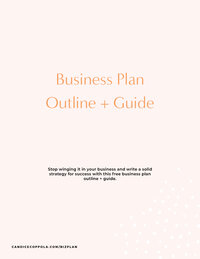







If you’re a wedding planner looking to streamline your business and impress clients with polished, professional materials, you need tools that work as hard as you do. That’s where my wedding planner-specific Canva templates come in. Created specifically for wedding professionals like you, these templates are designed to help you elevate your brand, save time, and deliver a seamless client experience.
No fluff, just real, actionable tools that make running your wedding planning business a little easier. Let’s dive into the seven must-have Canva templates that every wedding planner needs in their toolkit.
1. Instagram Reels Templates
We all know Instagram Reels are the future of content marketing—but creating them can be time-consuming. That’s why I designed Instagram Reels Canva Templates. These customizable templates are designed with wedding planners in mind, making it easier to produce on-brand, engaging Reels that will captivate your audience and showcase your expertise.
With Reels being one of the most effective ways to grow your following and book more clients, having these templates in your arsenal means less stress, more engagement, and a cohesive brand look across your social media.

2. Instagram Post Templates
Similar to the Reel templates, Instagram Post Canva Templates are perfect for curating a feed that not only looks beautiful but converts followers into clients. Whether you’re sharing wedding inspiration, behind-the-scenes moments, or planning tips, these templates ensure your posts are visually appealing and cohesive with your brand.
Plus, they’re completely customizable, allowing you to change the colors, fonts, and images to align with your unique style and personality. I’ve thought of everything you might need (from pinned posts introducing your brand to carousels for you to show off your latest real wedding).

3. Wedding Planner New Client Onboarding Canva Template
Beyond just marketing, first impressions are everything in the wedding planning business. That’s why one of the most important wedding planner Canva templates you can have is a New Client Onboarding Canva Template. This template helps you welcome new clients with style, professionalism, and a clear breakdown of your process. It covers all the bases, from an introduction to your services, what clients can expect from working with you, and important next steps.
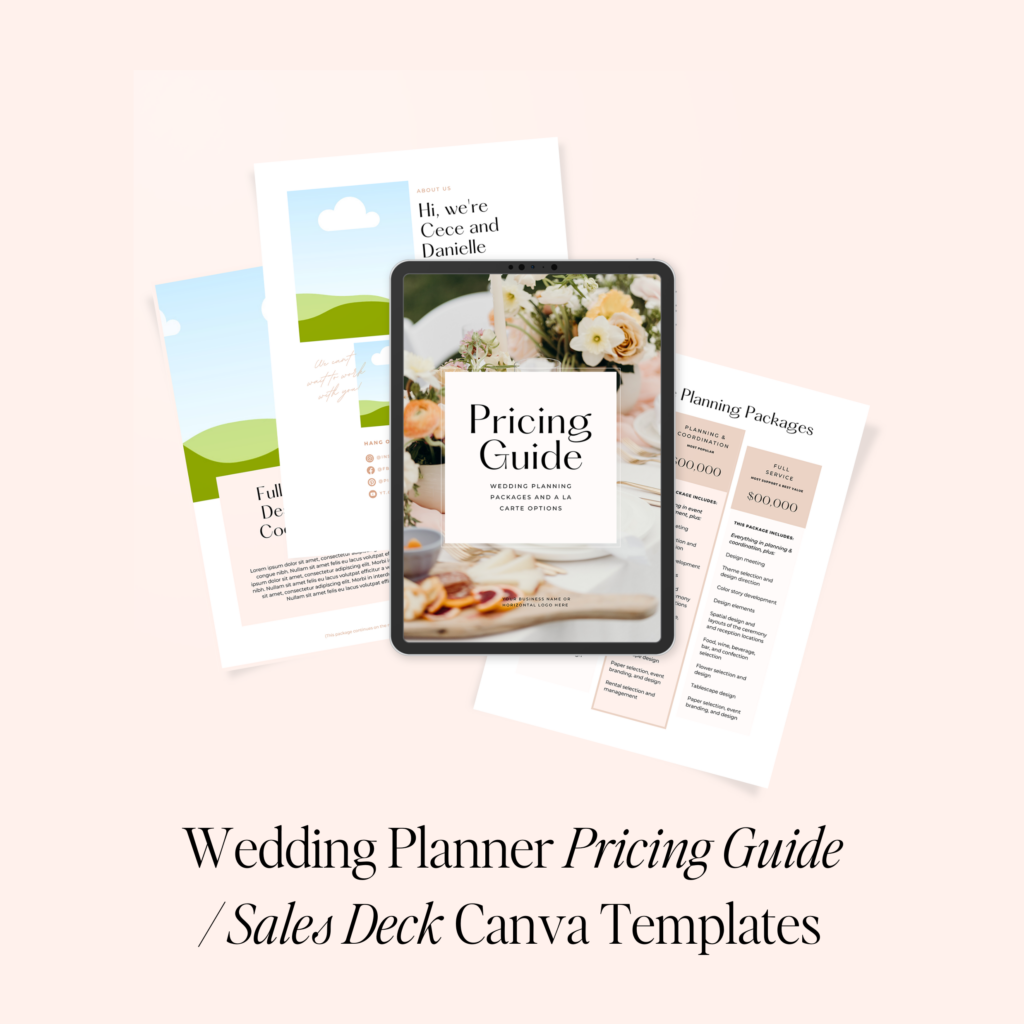
4. Wedding Planner Pricing Guide Canva Swipe File
As someone who has been in your shoes (yup—I was a wedding planner for almost a decade before I sold my business!), one of the biggest challenges for wedding planners is showcasing their value in a way that clients understand. My Wedding Planner Pricing Guide Canva Swipe File helps you do just that. This customizable template allows you to present your pricing in a clear, visually appealing way, while also highlighting the value behind your services.
You can easily adjust this template to suit your pricing tiers, add testimonials, and showcase your expertise. It’s designed to help you charge what you’re worth and avoid the dreaded “Can we get a discount?” conversations.
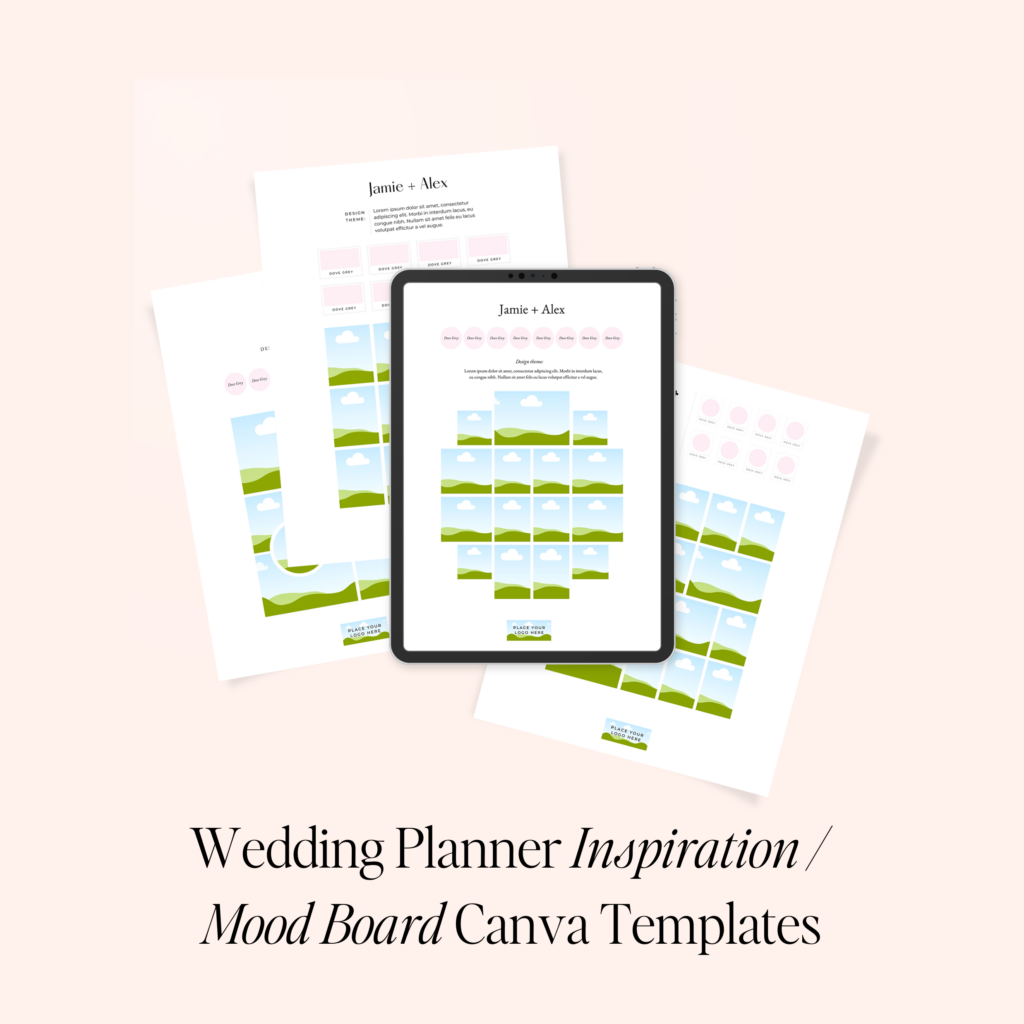
5. Wedding Planner Inspiration Board Templates in Canva
Every wedding planner knows that mood boards are essential to the design process. With my Wedding Planner Inspiration Board Templates, you can present your creative vision to clients in a way that is both visually stunning and easy to understand. These Canva templates help you compile color schemes, design ideas, floral concepts, and more into one cohesive presentation.
My goal with these is, that by using these templates, you not only impress clients with your design skills but also create a professional and organized way to communicate your ideas. No more sending Pinterest boards or piecemeal visuals—this is a beautiful, streamlined way to convey your vision.
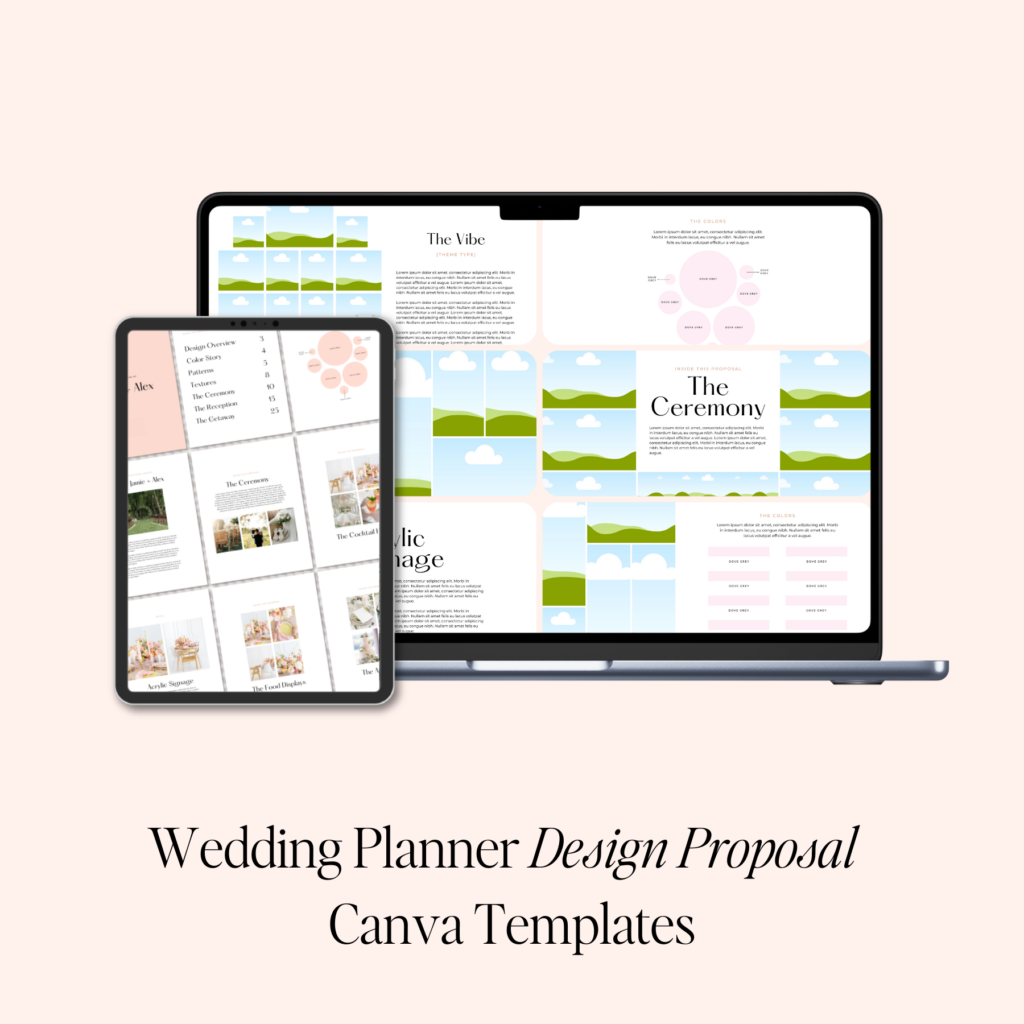
6. Wedding Planner Design Deck Template in Canva
As I said above, presenting your designs and concepts to clients can often feel like a challenge, especially if they’re unsure of what they want. The Wedding Planner Design Deck Template is a lifesaver in these situations. This Canva template allows you to compile all of your design ideas. Such as layout concepts, color palettes, and vendor options—into one professional, branded presentation.
Trust me when I say this: clients love seeing their wedding vision come to life in a well-organized, beautifully designed deck. It helps you walk them through the planning process, showcasing your expertise while ensuring that your ideas are clearly communicated.

7. Wedding Planner Client Communication Guides
Lastly, on a list of the top wedding planner Canva templates you’ll love, we have client communication guides. As a wedding planner, you’re often your clients’ go-to resource for advice on everything from setting their budget to picking their reception songs. That’s where these Client Communication Guides come in handy. These Canva templates allow you to answer frequently asked questions, provide helpful decision-making guides, and offer expert advice. All in a polished, branded format.
These guides save you countless hours answering the same questions over and over again. All while positioning you as the expert your clients can trust.
Why You’ll Love These Canva Templates for Wedding Planners
Everything I create is specifically for wedding planners. There’s no generic, one-size-fits-all solution here. Each template is designed to make your life easier, your business more efficient, and your brand more professional. By using these Canva templates, you’ll save time, impress clients, and focus more on the parts of your business that you love—like designing beautiful weddings.
Here’s what you can expect:
- Consistency: Maintain a cohesive brand experience across all touchpoints.
- Time-Saving: Stop reinventing the wheel with each client—use these templates to streamline your workflow.
- Professionalism: Present polished, well-designed materials that position you as the expert wedding planner your clients need.
- Customization: Every template is fully customizable to match your brand colors, fonts, and style, making them uniquely yours.

Do You Want to Save Money on These Canva Templates for Wedding Planners?
Excited about these Canva templates and ready to streamline your wedding planning business? I’ve got even more good news! I offer a Wedding Planner Canva Templates Bundle in my shop that includes all the must-have templates. This bundle is packed with beautifully designed, fully customizable templates. They will help you impress your clients, save time, and present your brand in a professional, polished way.
These templates cover everything you need to elevate your wedding planning process. From onboarding new clients to showcasing your pricing, creating inspiration boards, and managing communication. They’re specifically crafted for wedding planners, meaning they’re designed to work seamlessly with the unique demands of your business.
Head over to my shop now and check out the Wedding Planner Canva Templates Bundle to get started. You’ll be on your way to delivering a more consistent, professional, and efficient client experience. Plus, you’ll save $30 by bundling these templates together.
Explore More Wedding Industry Resources
- The Ultimate Wedding Planner Templates
- Best Wedding Planning Apps for Wedding Planners
- Behind The Brand: The Making Of Madden Made
- The Best Wedding Floor Plan Software for Wedding Planners
- 7 Ways to Use Honeybook as a Wedding Planner
- The 5 Best Social Media Management Tools For Wedding Pros
- Is Month-of Wedding Coordinator A Niche? The Truth About This Wedding Planning Service
- If You Want To Make Six Figures You Need This Wedding Industry Marketing Plan
- How To Get Wedding Clients When You’re Just Starting Out
- Are You Using Instagram WRONG? An Alternative Instagram Strategy for Wedding Pros That Changes Everything
- Why You’re Not Attracting The Right Clients and How to Fix It
- Check out The Client Cocktail
- How To Design A Styled Shoot As A Wedding Planner
- 5 Strategies To Finally Stop Scope Creep In Your Wedding Planning Business
- How To Build A Wedding Business Brand That Doesn’t Compete
For More Wedding Industry Business Secrets, Follow Me on Instagram
Today I got to share Cue with my DI mastermind, and I’m feeling really proud. 🥹
I’ve been so busy building it that it felt good to stop for a minute and share the story with a room full of people I love and admire. So many smart, talented, generous people who I’m lucky to call my friends.
This was a special one. ❤️
Would you guys like to hear what I shared? I’m thinking about breaking it down into a series here on Instagram. Should we do it?
@ninelemonsfengshui encouraged me to share it with you all here, and I think I should. LMK in the comments if you’d be interested in my presentation from today!

Day one in Charleston for the DI Mastermind, and I spent ten hours of it in my hotel room working on Cue. I’ve been at it since 7 a.m., trying to get client portals ready, and I didn’t get as far as I’d hoped.
But I did close my laptop long enough to hug some of my mastermind friends, catch up before sessions start tomorrow, and see this.
I’d love to tell you this sunset inspired some profound revelation, but mostly I think I needed to leave my fucking room. 😂
Although maybe that’s the reminder: there will always be something that needs more of me. I’m allowed to step outside and enjoy where I am before everything is finished.
And so are you! 💜
I’ve been doing brand shoots for almost 20 years, and I have opinions 😂 Here are 9 things that make them great:
1. Hire a photographer who specializes in brand shoots. There’s a big difference in quality when you work with someone who understands how to photograph you AND your business. Go with the best you can afford.
2. Book more time than you think you need. An hour is nice for headshots, but multiple outfits and scenes take hours. If you want lots of variety, give yourself time to create it. If you’re going to do it, go big and do it right.
3. Know how you’ll use the photos. Your website, social media, launches, presentations—tell your photographer what you need. Plan for different crops, orientations, and room for text.
4. Have a creative direction. Build a mood board so everyone understands the vibe. Think about the story you want the photos to tell before you show up.
5. Dress for where your brand is going. This is your chance to show up as the version of yourself you’re stepping into. Bring outfits that make you feel like her.
6. Get your photographer involved in the planning. Ask for their input on locations, outfits, lighting, and timing. You hired an expert—let them help shape the shoot.
7. Plan actual scenes. Hosting, teaching, designing, creating—what are you doing in the photos? Build moments around your work so you leave with more than portraits.
8. Don’t spend the entire shoot behind a laptop. Your business has more personality than that. Give people something interesting to look at.
9. Bring someone to help. Someone to handle outfits, fix your hair, catch a twisted necklace, and keep things moving. Those extra hands make a difference.
Which photo from @c10ike is your favorite?
Off to spend a week in Charleston (my first time!) for @juliecchenell Digital Insiders Mastermind. I absolutely love getting to spend a week with my colleagues and business friends.
We share meals and ideas and laughs and horror stories and wins and it’s truly the best thing ever. If you’re not already in a mastermind group for your business that allows you to get together once or twice a year, I HIGHLY recommend it! I always leave these events feeling inspired and motivated.
This year I get to share with the group my journey in building @planwithcue and I’m both excited and nervous to share what I’ve been working on. Wish me luck!
To my DI crew I can’t wait to see you soon!!!!!!!
filed under:













+ show Comments
- Hide Comments
add a comment